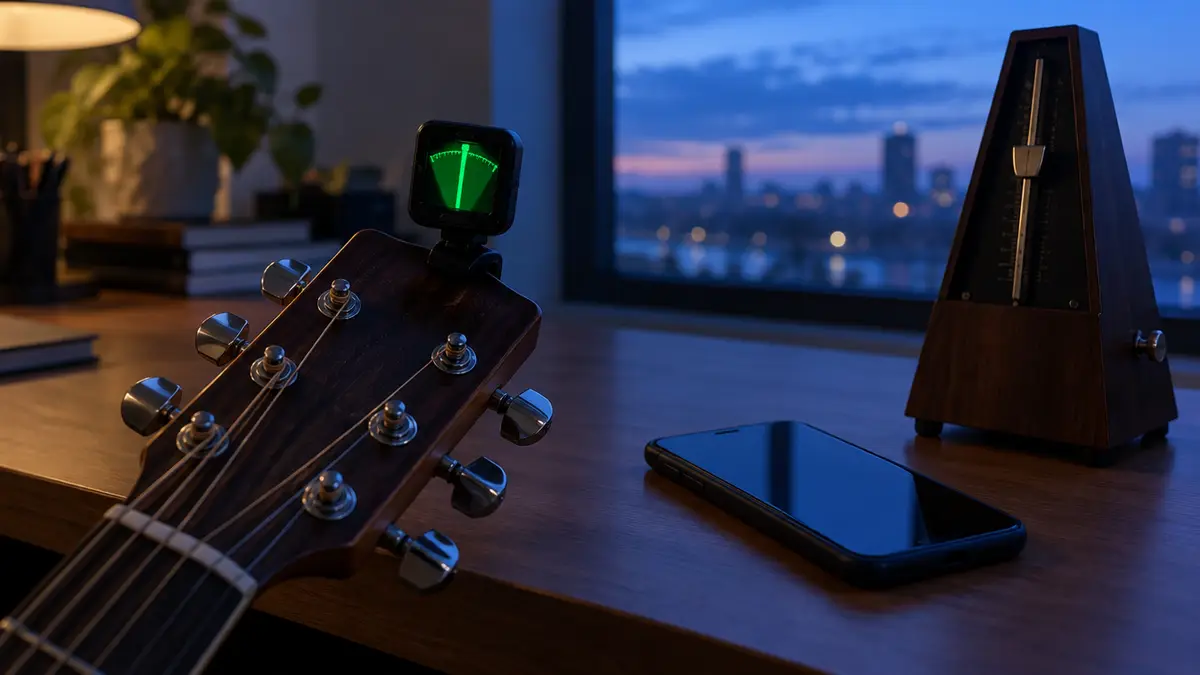
Free Online Guitar Tuner (Microphone + Reference Tones)
Press start, allow microphone access and pluck a string. The needle shows if you are flat or sharp. Audio is processed only on your device.
Press start and allow microphone access
Reference tones — tap to hear each string (standard tuning)
How to use the online tuner
- Click Start tuner and allow microphone access when your browser asks.
- Hold your phone or laptop close to the guitar (near the sound hole, or the amp speaker for an electric).
- Pluck one string and let it ring. The tuner shows the nearest note, the frequency and how many cents you are away from it.
- If the needle is left of centre (flat), tighten the string. If it is right (sharp), loosen it slightly and tune back up.
- When the display says In tune (within ±5 cents), move to the next string.
| String | Note | Frequency |
|---|---|---|
| 6 (thickest) | E2 | 82.41 Hz |
| 5 | A2 | 110.00 Hz |
| 4 | D3 | 146.83 Hz |
| 3 | G3 | 196.00 Hz |
| 2 | B3 | 246.94 Hz |
| 1 (thinnest) | E4 | 329.63 Hz |
Tips for accurate tuning
- Tune in a quiet room — background noise confuses any microphone tuner.
- Pluck firmly with a pick or thumb, then let the note sustain. Don't pluck repeatedly.
- Mute the other strings with your hand so only one rings.
- Tune up to the note from below for better stability.
- Check all strings twice — changing one string's tension slightly affects the others.
This tuner uses your microphone only while it is running. Sound is analysed in your browser and never recorded or uploaded.
Want to learn more? Read how to tune a guitar — including tuning by ear.
Frequently asked questions
Why does the tuner not detect my guitar?
Check that you allowed microphone access, that the right microphone is selected in your browser, and that you are in a quiet room. Very low-output guitars may need to be closer to the mic.
Can I tune to drop D or other tunings?
Yes. The tuner is chromatic, so it shows any note. For drop D, tune the 6th string down until it reads D2.
Does the tuner work for bass or ukulele?
It can detect most notes from around 60 Hz upward, so it works for ukulele and the higher bass strings. The lowest bass notes may be less reliable.